- Log in to Tier0, and then select Flows.
| Index | Item | Description |
|---|---|---|
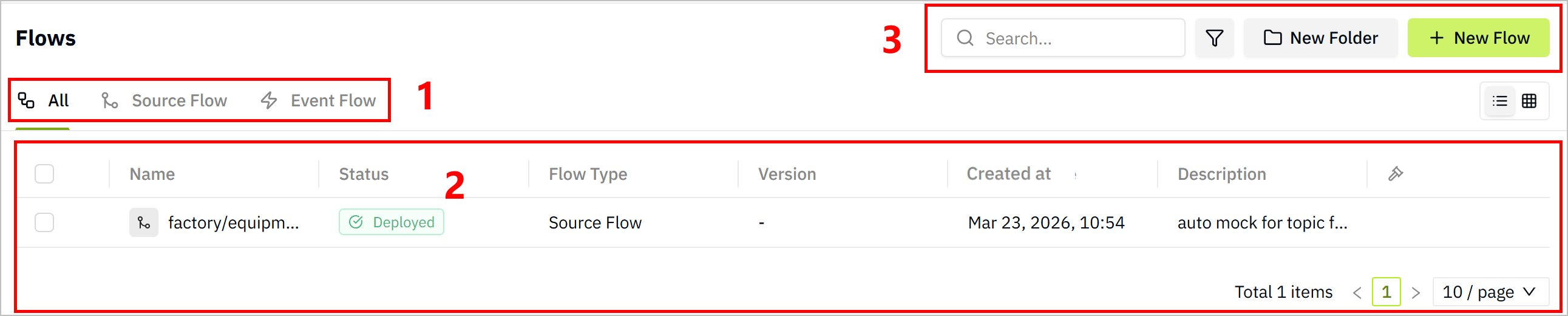
| 1 | Flow Display | Select to view all flows or only one category. |
| 2 | Flow List | Displays flow information. Click the flow name to start editing the data flow. |
| 3 | Search/Filter | Search for/filter existing data flows. |
| New Folder | Add folders to categorize data flows. | |
| New Flow | Add new data flows. |
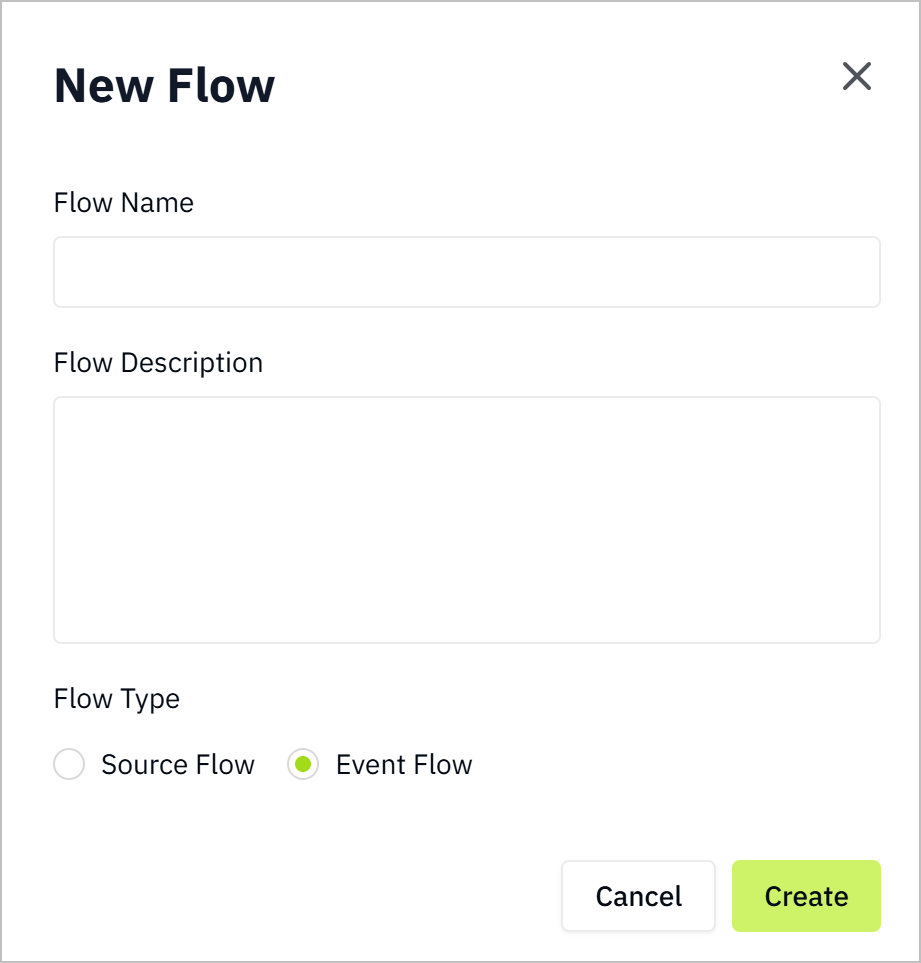
- Click New Flow, enter a name, select Event Flow as Flow Type, and click Save.
- Click the flow you just added, and build data flows to analyze your data.